In today’s fast-moving world, mobile apps have become more than just digital tools — they are personal assistants that help us stay organized, manage time, and improve productivity. Need help with money, mental health, or getting your creativity flowing? There’s probably an app for that.
Here are 10 mobile apps for 2025 that can help streamline your daily life and boost your productivity.
Who Are These Apps Perfect For?
These apps aren’t just tools; they’re made for people facing everyday challenges. Whether you’re trying to manage deadlines, reduce stress, or simply stay more organized, this list covers different types of users:
- Students handle schoolwork, tests, and their personal lives all at once.
- Freelancers managing multiple clients and projects
- Remote workers who need better communication and focus tools
- Entrepreneurs & small business owners organizing tasks and finances
- Busy individuals trying to balance productivity with well-being
These apps streamline your daily tasks, allowing you to work more efficiently and avoid exhaustion.
1. Todoist: Organize Your Day Like a Pro
If you have trouble keeping up with your to-do lists, you should try Todoist. This app helps you plan tasks, set reminders, and track goals. This app lets you plan what to do, set reminders, and keep track of your goals,
Download it from google play store https://play.google.com/store/apps/details?id=com.todoist
If you’re also looking to improve your productivity with AI, check out https://claritywrites.com/chatgpt-smarter-learning-better-work/
Why it’s great:
- Works across all devices (mobile, web, desktop)
- Works with Gmail, Slack, and Google Calendar.
- Great for managing tasks, whether for yourself or for work
2. Google Keep Your Digital Memory Notebook
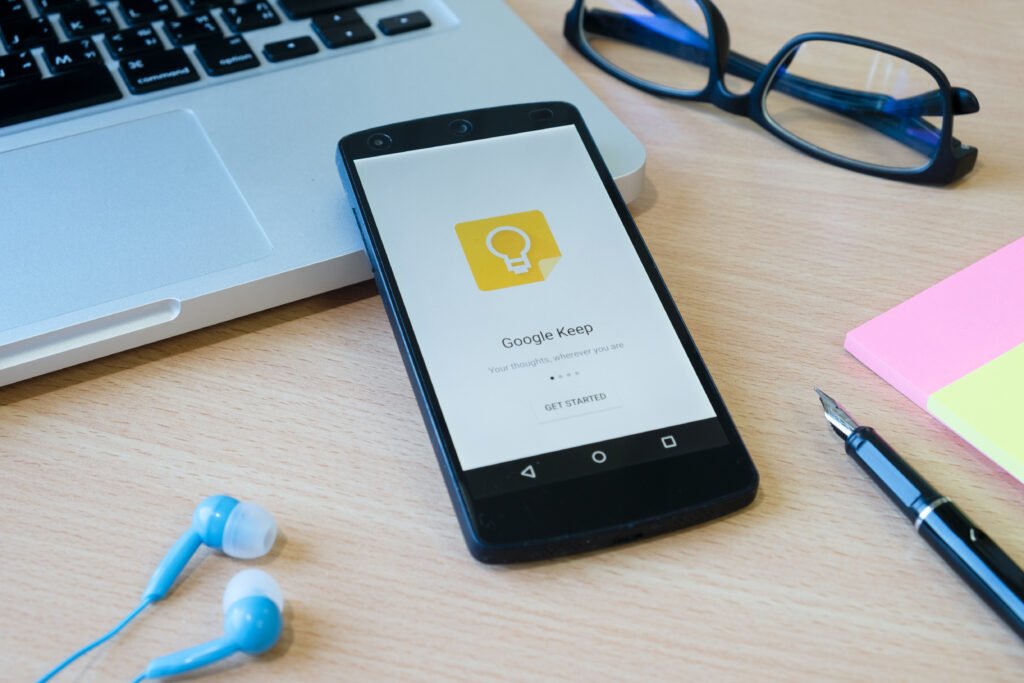
Google Keep can help you remember things if you have trouble keeping track of your thoughts or reminders. You can quickly write notes, record audio, or create lists that are available on all your devices.
Download it from google paly store https://play.google.com/store/apps/details?id=com.google.android.keep
Why it’s great:
- Simple, fast, and user-friendly
- Integrates seamlessly with Google Workspace
- Supports color-coded labels and reminders
Pro Tip: Use voice notes while driving or walking — it automatically converts your words into text.
3. Mint: Manage Your Finances Smartly
For those who want to save money and stay financially healthy, Mint is one of the best budgeting app available. It tracks your spending, categorizes expenses, and shows you where your money goes every month.
Download it from google play store https://play.google.com/store/apps/details?id=com.cf_holding.mint.app
Why it’s great:
- Syncs with your bank accounts securely
- Sends bill reminders
- Helps create budgets and financial goals
Already using Mint? You might also like https://claritywrites.com/best-budgeting-apps-in-2025-take-control-of-your-money/
4. Calm – Improve Your Mental Wellness
Feeling stressed? Okay, Calm can help you relax with guided meditations, bedtime stories, and breathing upexercises.
Download it from google play store https://play.google.com/store/apps/details?id=com.calm.android
Why it’s great:
- Reduces anxiety and improves focus
- Offers daily mindfulness activities
- Great for better sleep and mental relaxation
This app is great for students, working people, or anyone who wants to feel more mentally balanced every day.
5. Slack: Simplify Team Communication
Slack is a great tool to keep your team on the same page, especially if you’re working remotely or with multiple people.This system aims to make email communication easier through clear chat features and simple ways to share files.
Download it from google play store https://play.google.com/store/apps/details?id=com.Slack
Why it’s great:
- Integrates with Google Drive, Trello, and Zoom
- The system allows for voice and video calls.
- Maintain the team within reach, no matter their location or the hour.
Learn how AI tools can enhance communication and teamwork in https://claritywrites.com/generative-ai-skills-for-beginners-in-2025/
6. Google Calendar: Never Miss a Deadline
Google Calendar is a great tool to help you stay organized. You can schedule meetings, events, and set reminders, and it syncs across all your devices, which is super useful.
Download it from google play store https://play.google.com/store/apps/details?id=com.google.android.calendar
Why it’s great:
- It works well with Gmail and other Google services.
- Allows you to share calendars
- Suggests better times to meet.
Pro Tip: To keep a good balance in your life, try using separate calendars for your job, school, and personal plans.
7. Canva: Design Anything Effortlessly
If you want to design social media posts, presentations, or infographics without professional skills, Canva makes it incredibly simple,
Download it from google play store https://play.google.com/store/apps/details?id=com.canva.editor
Canva is one of the many smart tools covered in https://claritywrites.com/best-ai-tools-for-professional-growth/
Why it’s great:
- Offers ready-made templates
- Drag-and-drop interface
- Perfect for bloggers, marketers, and students.
8. Notion – All-in-One Productivity App
Notion is a powerhouse app for notes, databases, and project management. It’s useful for arranging things like school notes or work projects.
Download it from google play store https://play.google.com/store/apps/details?id=notion.id
Why it’s great:
- Combines notes, tasks, and databases in one place
- Customizable templates for any purpose
- Ideal for freelancers, students, and teams
Pro Tip: Notion AI, a built-in function, can help you sum up notes or draft plans quickly.
9. Google Fit – Track Your Health Effortlessly
Taking care of your health is important, and Google Fit is a tool that can help you do that. It keeps track of your activity, steps, and heart rate, and it works with many smart watches and phones.
Download it from google play store https://play.google.com/store/apps/details?id=notion.id
Why it’s great:
- Free and easy to use
- Keep up with your daily health goals.
- Works with your fitness gadgets and apps.
- Whether you’re into walking, running, or yoga, Google Fit helps you stay accountable.
10. ChatGPT: Your AI Assistant on the Go
Lastly, ChatGPT is a smart AI helper that can assist you with writing, research, brainstorming, and quick answer,
Download it from google play store https://play.google.com/store/apps/details?id=com.openai.chatgpt
Why it’s great:
- Helps generate ideas, write content, or learn new skills
- Available on both mobile and desktop
- Saves time by simplifying research and communication
Want to explore how AI is transforming daily life? Don’t miss https://claritywrites.com/best-ai-tools-for-managing-money-in-2025/
How We Selected These Apps
Sorting through thousands of apps to find the ones you need can be tricky. These tools were picked because they are useful every day and easy to use:
- User Experience – Simple interfaces that don’t require technical skills
- Cross-Device Compatibility – Works across mobile, web, and desktop
- Real Productivity Impact – Helps save time, reduce stress, or improve organization
- Positive User Feedback – Highly rated and trusted globally
- Practical Value – Useful for everyday life, not just niche situations
I want to suggest some apps that can truly make your daily life better, not just the extremely famous ones.
Final Thoughts
Mobile apps have transformed how we live, work, and think. From staying productive to maintaining mental health, these tools are designed to make life more efficient and balanced.
If you’re just starting, trying out a few apps from this list might give you an idea of how to adjust your daily routine. Keep in mind that tech should make things easier, not harder.
Which of these apps do you use the most? Share your favorites in the comments below
Frequently Asked Questions (FAQ)
1: Are these apps free to use?
Most of these apps offer free versions with essential features. Some provide premium upgrades for advanced tools.
2: Which app is best for students?
Todoist, Google Keep, Notion, and ChatGPT are especially helpful for organizing notes, assignments, and research.
3: Are these apps safe?
These apps are popular and come from companies you probably know. It’s always a good idea to read app permissions and privacy options before installation.
4: Do I need to use all these apps?
Not at all. Choose apps based on your needs. Productivity improves with the right tools, not the most tools.
Disclaimer
This article is for informational and educational purposes only. App features, pricing, and availability may change over time. Always check official app pages and review privacy policies before downloading or sharing personal information. Claritywrites is not affiliated with the apps mentioned.