
10 Computer Skills Every Beginner Should Learn
The current global landscape is undergoing rapid change. A basic understanding of computers is now needed for most jobs.
Whether you want to improve your career, start freelancing, or simply become more confident with technology, learning the right computer skills can make a big difference in your future. If you want to grow faster in your career, check out our guide on Top Tech Skills for Career Growth 2025.”
If you’re just starting out or want to refine your tech skills, check out this list of 10 computer skills that will be important in 2025. These skills are practical, beginner-friendly, and useful in almost every profession.

1. Basic Computer Operations
Before anything else, every beginner must understand the fundamentals of using a computer properly.
What you should know:
- How to use a keyboard and mouse
- Creating, saving, and organizing files
- Installing apps and software
- Understanding computer settings
- Using USB, folders, and drives
- Knowing common computer terms
Why it matters:
These basics are the groundwork for your future learning. You can also explore how modern tools like Notion AI improve productivity for beginners. A solid understanding will save your time and make you more comfortable using digital tools.
2. Internet and Email Skills
By 2025, being good at the internet will be as important as reading and writing.
Learn the following:
- Using search engines
- Safe browsing
- Creating and managing email accounts
- Writing professional emails
- Managing attachments and links
- Using cloud-based email tools like Gmail, Outlook, or Yahoo
Why it matters:
Online communication has become essential for all organizations. Employers want job seekers to write emails that are clear and professional.
3. Microsoft Office or Google Workspace
These are some popular productivity tools in companies, schools, and workplaces.
Tools to learn:
- Word / Google Docs: Writing letters, reports, notes
- Excel / Google Sheets: Data entry, calculations, small dashboards
- PowerPoint / Google Slides: Presentations
Why it matters:
Proficiency in creating documents, handling data, and delivering presentations is needed for many jobs, like banking, teaching, and online freelancing. If you want to create content faster, you may also like our review of Copy.ai: Create Content Faster (2025).
4. Typing Skills
Fast and accurate typing helps you complete tasks quicker and more efficiently. Better typing helps you use AI writing tools more effectively such as Rytr AI: Write Smarter and Better (2025)
What to aim for:
- At least 35–45 WPM (words per minute)
- Minimum errors
- Learning keyboard shortcuts, such as( Ctrl+C, Ctrl+V, and Ctrl+Z) can save you a lot of time.
Why it matters:
If you’re good at typing, you’ll likely do better in jobs such as office assistant, customer support, and data entry.
5. Online Research Skills
Being able to find accurate and reliable information online is one of the most valuable computer skills today.
Learn how to:
- Use search operators on Google
- Identify trustworthy websites
- Find statistics, data, and sources
- Compare information
- Use AI tools for enhanced research
Why it matters:
Research is important in areas like writing, marketing, freelancing, content creation, business choices, and nearly all jobs now.
6. Cybersecurity Basics
Online safety is an increasing concern in today’s fast-paced digital landscape. A basic understanding of cybersecurity is now very important for both personal and professional life.
Important things to know:
- Creating strong passwords
- Identifying scam emails
- Understanding phishing
- Safe online banking practices
- Securing personal information
- Using antivirus and secure networks
Why it matters:
Cybersecurity errors can lead to financial losses, account breaches, and critical privacy issues.
Taking precautions is vital for protecting yourself and your company. To stay safe while working online, you can explore tools like GrammarlyGO – AI Writing Tool 2025, which also includes smart suggestions.

7. Digital File Management
Well-kept files can make you work faster, simplify what you do, and give off a more skilled impression.
Learn how to:
- Create clear folder structures
- Store files in Google Drive or OneDrive
- Rename files properly
- Backup important documents
- Delete unnecessary files
- Access documents quickly
Why it matters:
Keeping your files in order can reduce clutter and improve how well you work, especially if you’re in an office, freelancing, or working with others on projects online.
8. Basic Graphic Design Skills
You do not have to be a design expert to make simple visuals. Simple tools allow beginners to learn the basics.
Tools to learn:
- Canva (best for beginners)
- Simple image editing
- Social media posts
- Thumbnails
- Basic presentations
Why it matters:
Graphic design is useful for making content, doing marketing, blogging, creating presentations, and helping you think more creatively.
9. Basic Coding Understanding
You don’t have to be a coding expert to get ahead in the tech world, but understanding the basics can really give your skills a boost.
Begin with:
- HTML basics
- CSS basics
- Understanding how websites work
- Simple web customization
- Logic building
Why it matters:
It improves your problem-solving skills and opens the door to higher-paying tech careers if you want to learn more in the future. Even simple coding helps when using AI tools like Writesonic AI: Create Quality Content for automation and creativity.
10. AI Tools and Automation
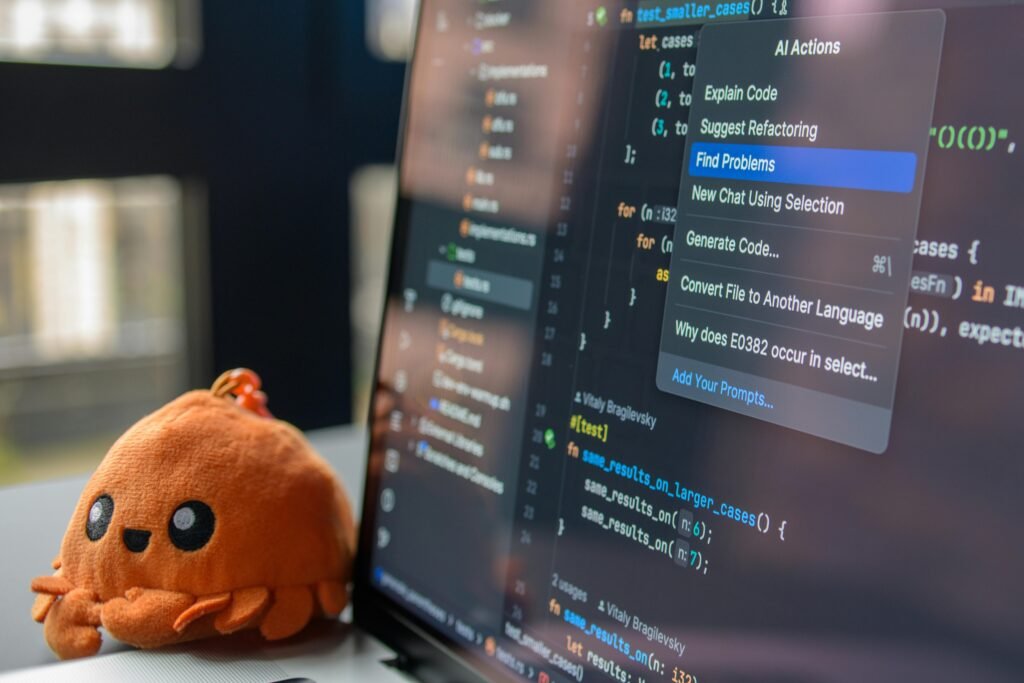
2025 is the year of AI. Almost every industry uses AI tools to improve speed, accuracy, and creativity.
Learn how to use:
- AI chat assistants
- AI writing tools
- AI for research
- Image-generation tools
- Automation tools like Zapier or Notion
Why it matters:
AI can speed up your work three to five times, which can help you stay competitive in your career.
Benefits of Learning These Skills
- Better job opportunities
- More confidence with technology
- Improved productivity
- Higher earning potential
- Easy career growth
- Ability to work remotely
- Strong foundation for advanced skills
Don’t feel like you need to master everything right away. Focus on one skill at a time
| Skill Type | Difficulty Level | Time to Learn | Job Usefulness |
| Microsoft Office | Easy | 2–4 weeks | High |
| Typing | Easy | 1–3 weeks | High |
| Online Research | Medium | 1–2 months | High |
| Cyber security Basics | Medium | 2–3 months | Very High |
| AI Tools | Medium | Ongoing | Very High |
Frequently Asked Questions (FAQs)
1. How long does it take to learn basic computer skills?
Most beginners find they become more confident after practicing regularly for one to three months. Even practicing a little bit daily with free online guides or videos can really help.
2. What are the best websites to learn computer skills for free?
There are plenty of beginner-friendly platforms out there. Websites like Coursera, Udemy, Google Digital Garage, and LinkedIn Learning offer free or low-cost courses that are easy to follow and very practical.
3. Do I need a powerful computer to start learning?
Not at all. To learn skills like typing, using Microsoft Office, doing online research, or creating basic graphic designs, you only need a standard computer and a reliable internet access.
4. Can I earn money online with these computer skills?
Yes, absolutely. Even if you’re just starting out, skills such as Excel, typing, graphic design, or basic coding can assist you in finding freelance jobs on sites like Fiverr, Upwork, or Freelancer.
Conclusion
In today’s digital market, computer skills are important for getting ahead in your career.
Here are ten easy skills you can learn to communicate better, work faster, and grow as we go into 2025. If you’re interested in improving your everyday digital life, explore Top 10 Apps to Make Life Easier (2025)
If you stay consistent and keep learning, you will be far ahead of those who hesitate to adapt to modern technology.